
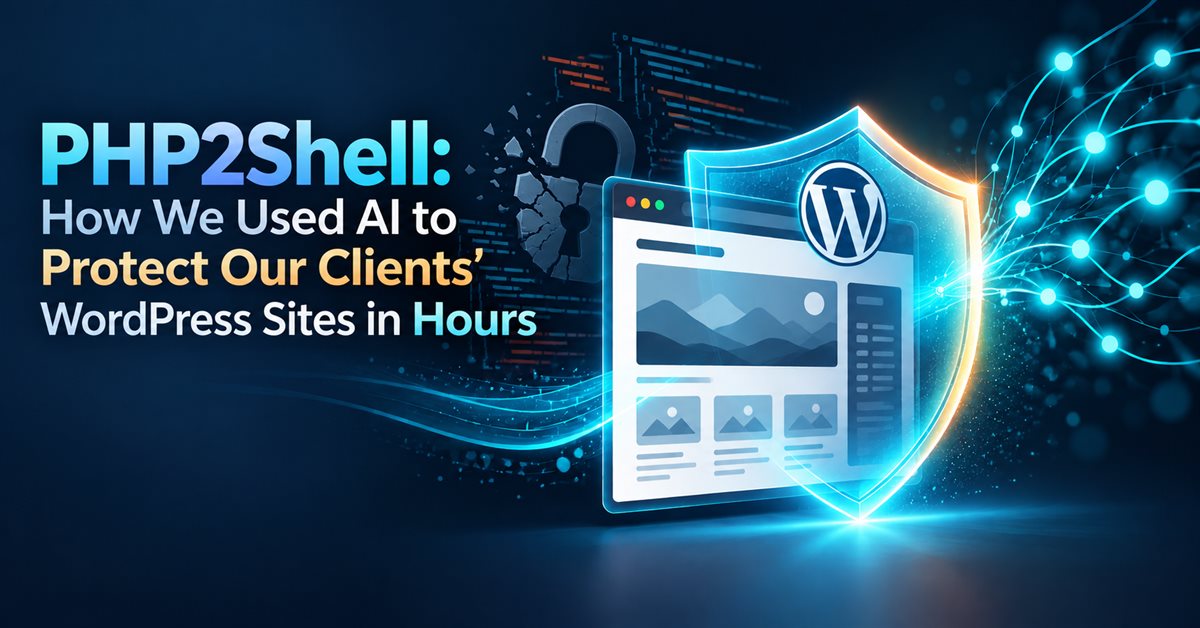
On 21 October 2026, PHP shipped fixes for PHP2Shell, two critical security flaws that let an attacker take over a website without logging in. PHP runs most WordPress sites, so this vulnerability landed on nearly every small-business website we have ever touched.
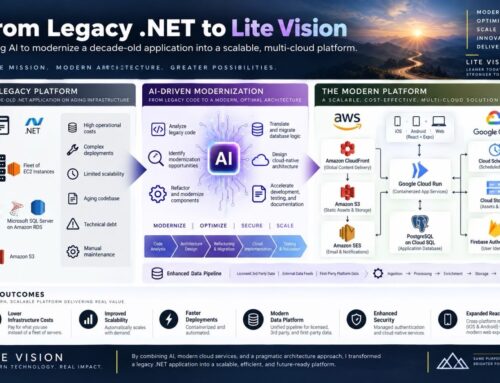
This post covers what the vulnerability is, why older WordPress sites can’t simply be patched, and how we used AI to turn years of careful rebuild work into a reusable, tested tool suite in about a day, so we could move our past and current clients onto safe ground quickly without cutting corners.
What is PHP2Shell?
Researchers nicknamed the two flaws, CVE-2026-109618 and CVE-2026-109619, “PHP2Shell”. Both carry a severity rating of 9.2 out of 10. In plain terms: a specially crafted request to a site running an unpatched version of PHP can let an attacker run their own code on the server. No password needed.
Three points matter most to a business owner:
- A WordPress update won’t fix it. The problem is in PHP, the language the server runs, not in WordPress or its plugins. The fix is a newer PHP version on the server.
- Patched releases exist only for newer PHP. The fixed versions are PHP 8.5.12, 8.4.27, 8.3.36 and 8.2.35. PHP 8.1 and older no longer get fixes from the PHP project at all; only some vendors offer their own patches, and typical shared hosting doesn’t.
- Attackers are already looking. Cloudflare reported attack traffic against its customers the same day the fixes came out.
One more detail stood out to us. According to Wiz Research, the team that reported the flaws, they found the bugs with the help of AI tools. If AI is speeding up how vulnerabilities are found, it needs to speed up how they’re fixed, too.
Why older sites are stuck
For a well-maintained site on a recent PHP version, the fix is usually a quick update from the hosting company. Many small-business sites aren’t in that position. Developers built them years ago on themes and page builders that break on PHP 8, so they still run an older version that now has no easy patch.
For those sites, “just upgrade PHP” can mean a broken website. The real fix is to modernize the site so it runs on a current, patched PHP version. Done in a rush, that brings a second risk: losing the Google rankings the business depends on. Old URLs stop working, page titles and descriptions disappear, and search traffic falls off a cliff.
So the job is two things at once: get off vulnerable PHP fast, and do it carefully.
Our PHP2Shell response
We’ve built and maintained WordPress sites for clients across several industries, and many of those sites are still running. Our first step was triage:
- List every site we’ve built or maintained, past and current, with its hosting company and PHP version.
- Sort by risk. First, sites where the host can roll out a patched PHP right away. Next, those that can move to PHP 8.2 or newer after a compatibility check. Last, the ones we need to rebuild on a staging copy first.
- Contact owners in priority order, starting with the sites that are most exposed.
The third group is where the time goes. Each rebuild involves the same careful steps: back everything up, record every URL Google knows about, rebuild on staging, check every page, set up redirects, and launch. Doing that by hand, site by site, under time pressure, is where mistakes happen.
How AI made it fast, without making it reckless
When PHP2Shell hit, rather than fix each site by hand, we used AI (Anthropic’s Claude Code) to take the scripts, checklists and lessons from our previous WordPress rebuilds and turn them into one shared, tested tool suite. Work that would normally take weeks of cleanup took about a day: we finished the first version and a second, expanded version on 22 October.
The AI did the heavy lifting: pulling the common steps out of earlier projects, writing automated tests, and documenting each step. We set the rules and reviewed every change. The result includes:
- Automated tests (43 of them) that run without touching any live website.
- Step-by-step playbooks for a rebuild and for launch day.
- AI “skills”, written instructions that make the AI assistant follow the same safe checklist every time: audit the site, rebuild on staging, check SEO, go live.
Two rules didn’t change: a person checks everything before it goes live, and we never permanently delete anything. The speed comes from not reinventing the process for every site, not from skipping steps.
What the tool suite does
In plain words, each tool is a safety step:
- Backup snapshot of pages, SEO settings, menus and media before anything changes.
- Data rescue from a database backup, so information held by old, incompatible plugins (newsletter subscribers, form entries) survives the upgrade.
- A list of every URL Google knows, with its title and description, which we record before the rebuild.
- A redirect checker that confirms every old URL either loads or redirects once to a page that loads, so rankings carry over.
- An SEO and link-preview audit that we run before and after, to catch missing titles, descriptions, headings, image alt text and business details for Google.
- PHP 8-ready page building, with pages that stay fully editable in the WordPress editor afterwards.
- A go-live checklist: the live site runs the same patched PHP as staging, search engines can find the site again, and we clear every cache.
To be clear about what it isn’t: the tool suite doesn’t patch PHP. Your hosting company does that. What it does is make the upgrade or rebuild that gets you there fast, repeatable and safe for your search rankings.
We tested it against a real 48-page site rebuild. Page text and heading checks matched the hand-built site on all 48 pages, the redirect checker passed every rule, and the database reader matched earlier exports across about 22,500 rows.
Two lessons that matter during an attack like PHP2Shell
Firewalls get stricter, and they block automation. Hosting firewalls often block scripts that don’t look like a web browser. During an active attack wave, they tighten further. Our tools identify themselves the way a browser does, so firewalls don’t mistake routine checks for an attack, and we know to expect it.
One checkbox can undo a careful rebuild. WordPress has a setting that tells search engines to stay away, which is right for a staging copy. It carries over to the live site at launch unless someone unticks it. A rushed security upgrade is exactly when people miss it, so it’s on the go-live checklist and the AI skill checks it every time.
What to do today
- Find your PHP version. In WordPress, go to Tools → Site Health → Info → Server.
- Ask your host whether your site runs a patched release (8.2.35, 8.3.36, 8.4.27, 8.5.12 or newer).
- If you’re on PHP 8.1 or older, or not sure, don’t just flip the version switch on a live site. Take a full backup first, and test on a staging copy, or have us check it for you.
- Check the official advisories on php.net for the latest details.
Need help with PHP2Shell? We can usually have you covered within 24 hours
Because the process is already built and tested, we don’t start from scratch for each site. For most WordPress sites, we can check your PHP version and hosting setup, take a full backup, get you onto a patched version of PHP, and confirm the site and its search rankings are intact, usually within 24 hours.
If you’re a past or current client, we’re working through every site we’ve built. Haven’t heard from us yet? Get in touch and we’ll check yours right away.
If you’re not a client and you want to know whether your WordPress site is exposed, or you know it’s stuck on old PHP, contact us. We’ll tell you where you stand and get it taken care of.