

Most security gaps that hurt individuals and small businesses aren’t sophisticated. They’re forgotten: a setting nobody changed, an app nobody removed, a login nobody turned off.
I’ve spent more than 25 years working on secure government and enterprise systems. The surprising lesson from all that time is how ordinary the real risks usually are. Attackers rarely need a clever new technique when an old password or a forgotten account will do. The good news is that the same thing works in reverse: a few hours of attention closes most security gaps.
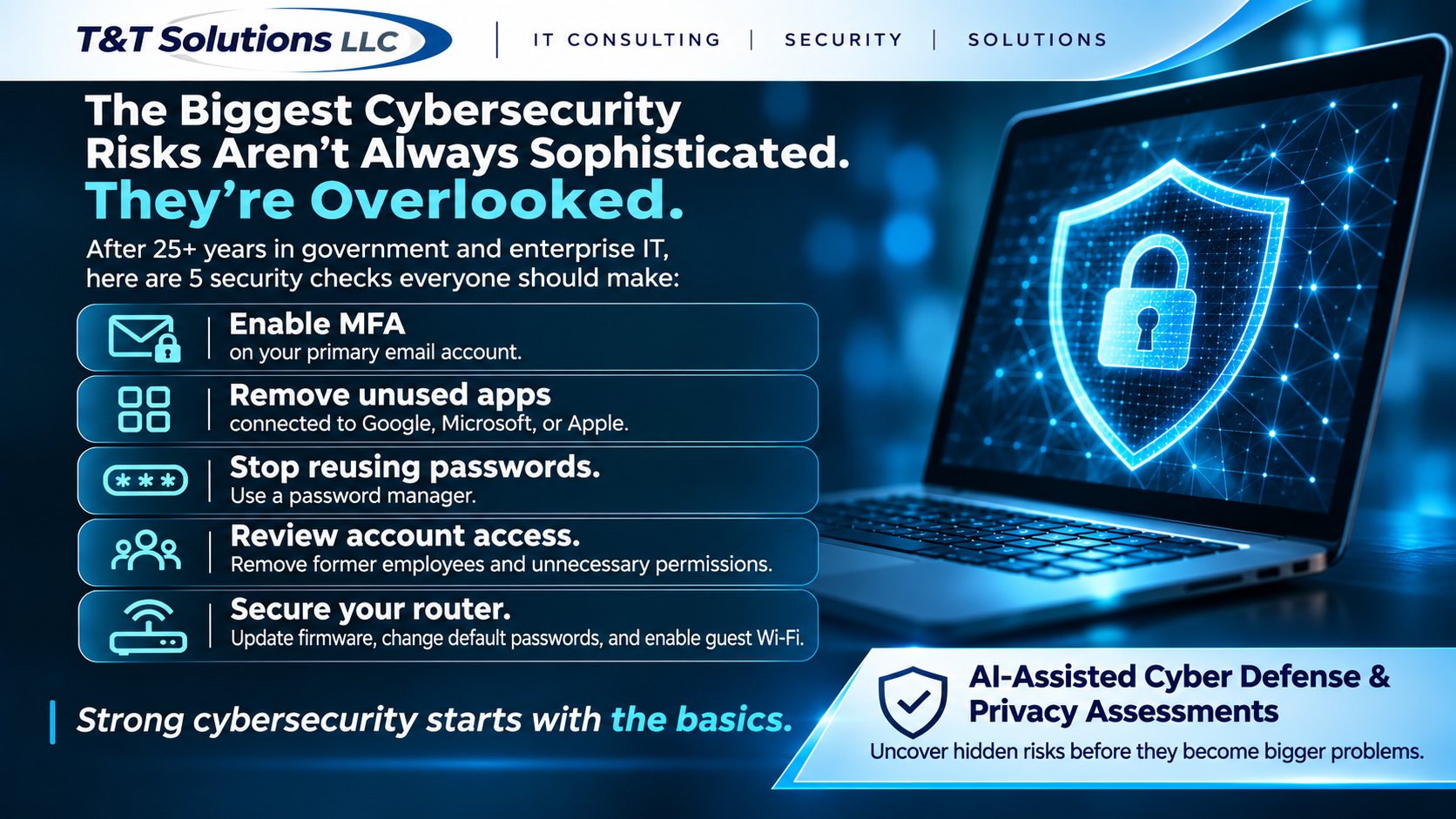
Here are five security gaps worth checking this week. None of them need expensive tools.
1. Your email account is the master key
Think about what happens when you click “Forgot password” on almost any website: a reset link goes to your email. That means whoever controls your email can take over your bank, your social media, your cloud storage, and nearly everything else.
That makes your email account the single most important one to protect.
- Turn on multi-factor authentication (MFA). Even if someone learns your password, they also need a second proof that it’s you.
- Prefer an authenticator app or a passkey over text messages. Text-message codes are much better than nothing, but an attacker who takes over your phone number can intercept or redirect them.
- Check your recovery options. Make sure the backup email address and phone number on the account are current and actually yours. An old recovery address you no longer control is an open door.
- Look for forwarding rules you didn’t create. A quiet rule that copies your mail to another address is a common sign of a past compromise.
2. Old apps still have access to your accounts
Every time you click “Sign in with Google” or “Sign in with Microsoft,” or allow an app to read your calendar or contacts, you grant it ongoing access. That access usually stays in place long after you’ve stopped using the app. If the company behind that app later abandons it, sells it, or suffers a breach, your data goes with it.
Most major accounts let you review this in their security or privacy settings, under a heading like “third-party apps,” “connected apps,” or “apps with access to your account.”
- Remove anything you don’t recognize or no longer use.
- Be especially careful with apps that can read or send email, or access your files.
- Do the same for social media accounts, which often collect years of connected games, quizzes, and tools.
3. Reused passwords spread the damage
Large data breaches happen constantly, and criminals share and sell the stolen email addresses and passwords. Attackers then try those same combinations on other sites automatically. If you use one password in several places, a breach at a small shopping site can become a breach of your email or bank.
- Use a password manager. It creates and remembers a unique, strong password for every account, so you only need to remember one.
- Start with what matters most: email, banking, and any account that stores payment details. You don’t have to fix everything in one day.
- Check whether your email address appears in known breaches. Free services such as Have I Been Pwned will tell you which breaches included your address, so you know which passwords to change first.
4. Former employees often still have access
For small businesses, this is one of the most common security gaps I find. Someone leaves on good terms, and nobody thinks to turn off their access to shared email, cloud files, the website, the accounting system, or the social media accounts. Sometimes nobody has ever changed a shared password that “everyone knows.”
- Keep a simple list of every system your business uses and who has access to each one.
- Make removing access part of every departure, on the person’s last day, not weeks later.
- Change shared passwords when someone who knew them leaves, and move away from shared logins where you can.
- Limit administrator accounts to the people who truly need them, and protect each one with MFA.
- Review the list at least once a year, even if nobody has left.
5. Your router hasn’t been touched since it was installed
Your home or office router sits between every device you own and the internet, yet most people never look at it again after setup day.
- Change the default admin password. This is the password for the router’s settings page, not your Wi-Fi password, and anyone can look up the default passwords online.
- Update the firmware, or turn on automatic updates if your router supports them. Routers have security flaws like any other software.
- Use modern Wi-Fi security (WPA3, or WPA2 if your devices don’t support WPA3) with a strong network password.
- Put guests and smart devices on a separate guest network, so a visitor’s laptop or a cheap smart plug can’t reach your computers.
- Replace routers that no longer receive updates. If the manufacturer has stopped releasing fixes, nobody will patch new flaws.
A bonus: plan for the security gaps you miss
Prevention matters, but so does recovery. Take ten minutes to write down where your important accounts are, how you would regain access if you were locked out, and who you would call. Keep backups of your important files somewhere that a single compromised account can’t delete. A plan made calmly in advance is far better than one improvised during a crisis.
Closing your security gaps: start small, but start
You don’t need to do all of this today. A good order is:
- Turn on MFA for your email.
- Remove apps you no longer use.
- Change reused passwords on your most important accounts.
- Review who has access to your business systems.
- Update and secure your router.
Each step meaningfully reduces your risk, and together they close the gaps that cause most of the real-world problems I see.
Want a second set of eyes on your security gaps?
Some people are happy to work through this list on their own. Others would rather have an experienced person look with them, especially for a family with many accounts or a business with several people and systems. Our Cyber Defense & Privacy Assessment is a one-on-one review with a senior expert, enhanced by AI-assisted analysis, that ends with a security scorecard and a prioritized plan in plain English. We never ask for your passwords. If that sounds useful, request a free consultation.
